


One of the best free programs to defrag hard drives
One of the most important things when it comes to maintaining our computer in perfect status, is that the data that we have stored on our hard drive are saved in a logical way, so that the processor takes a lot less time to read them.
Basic maintenance for your hard drive
To be able to make sure of this, the best thing is to use a tool with Defraggler, that allows the user to check the percentage of the hard drive that is defragmented, and which files are affected by this defragmentation and in what percentage.
Once it analyzes the hard drive (without worrying if it is NTFS or FAT32), the program offers the user two possibilities to defragment the data, quick or complete. With the first option, the application will perform light changes to how files are stored in a quick way, but it won't affect the way that the bigger and most defragmented files are saved.
From the creators of CCleaner
Complete information about your disk's status
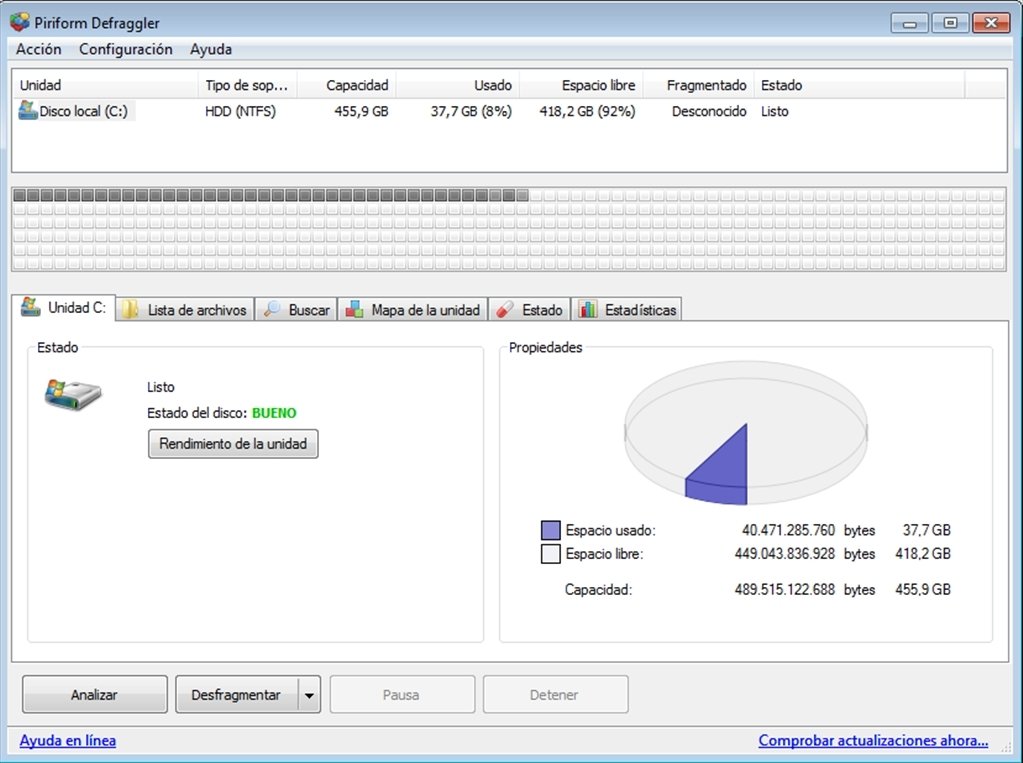
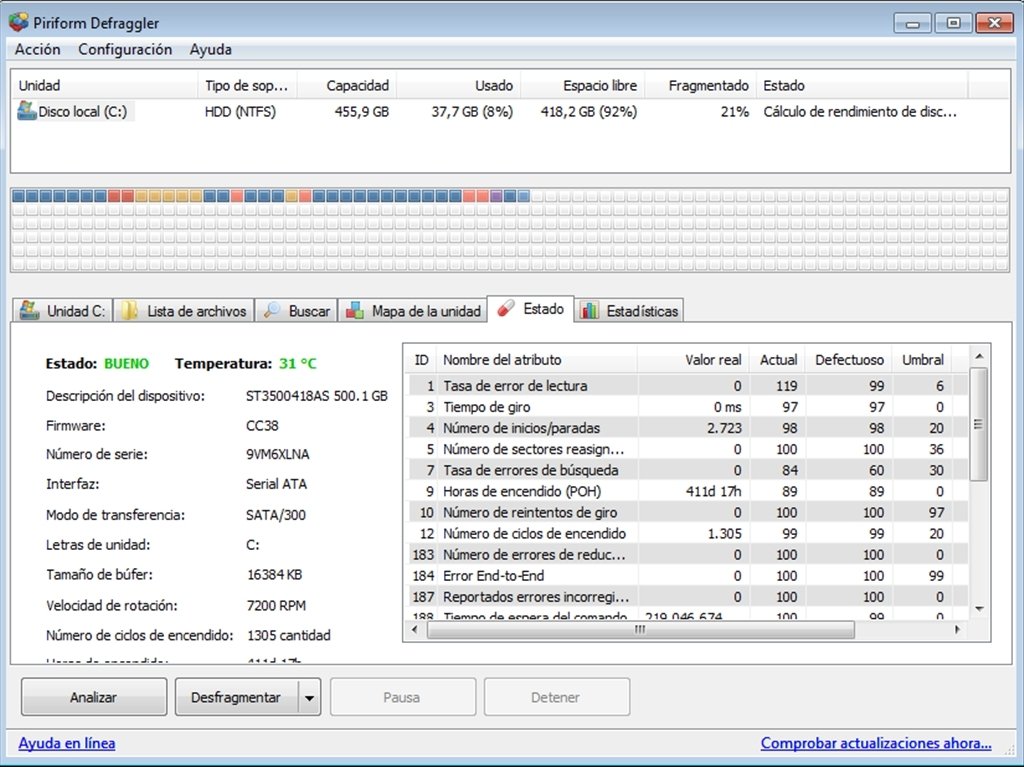
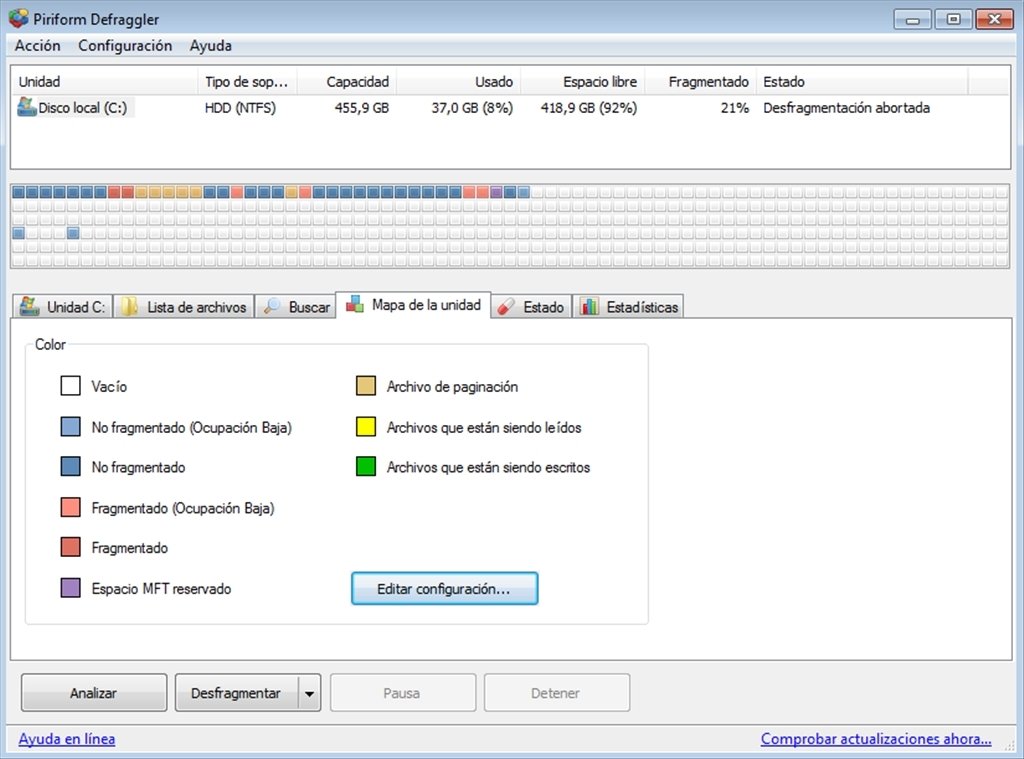
The program's interface is very clear and intuitive, with a top panel for the menus and a list of the computer hard drives, a central area in which we will be able to see the data represented by small squares, and a bottom part that will allows to observe three kinds of different details by means of tabs:
- Unit Name: That is subdivided in two, a representation of a round graph from the hard drive, that shows the percentage that is occupied and which is free, and another that shows how fragmented the hard drive is, including specific data like the amount of fragmented files or the total number of fragments.
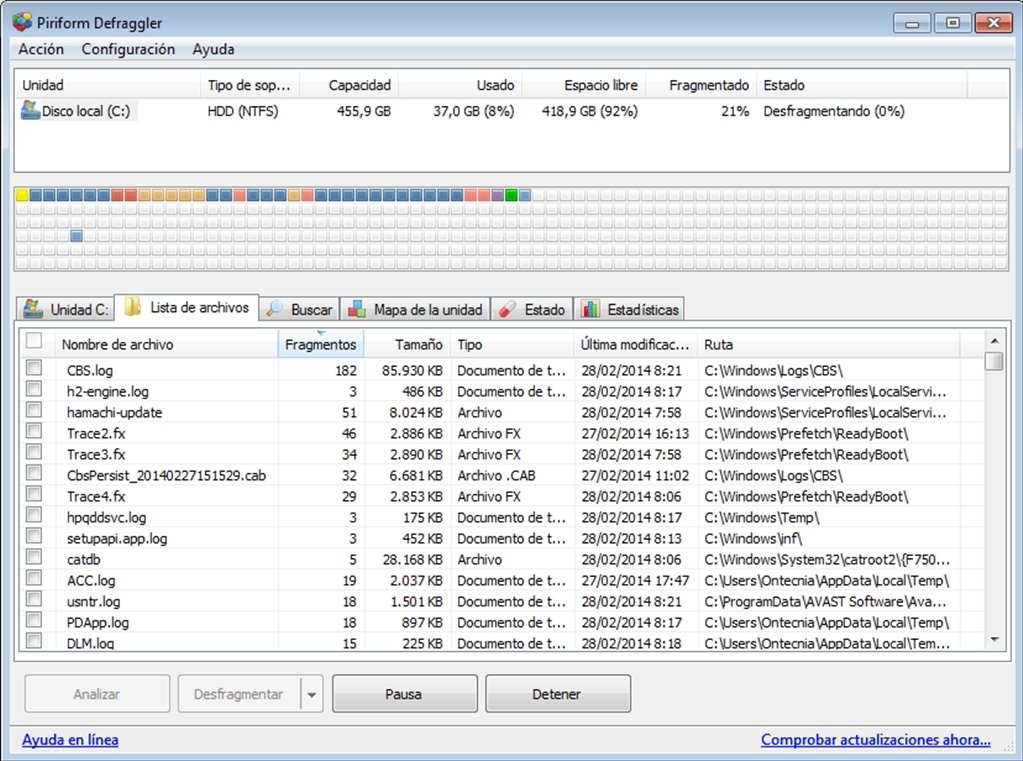
- List of Files: Complete list of files that are fragmented, and in which proportion, with an additional option to add each file to the following defragmentation or not.
- Search: A search box, that will allow us to quickly access the data that we request.
Furthermore, that application offers us the possibility to be able to program the hard drive defragmentations, in such a way that we won't waste any time when we have to use the computer, because we can establish that this process will be carried out during the night.
So, if you want to make sure that your hard drives aren't fragmented, download and install Defraggler, it is free!
 Elies Guzmán
With a degree in History, and later, in Documentation, I have over a decade of experience testing and writing about apps: reviews, guides, articles, news, tricks, and more. They have been countless, especially on Android, an operating system...

Antony Peel